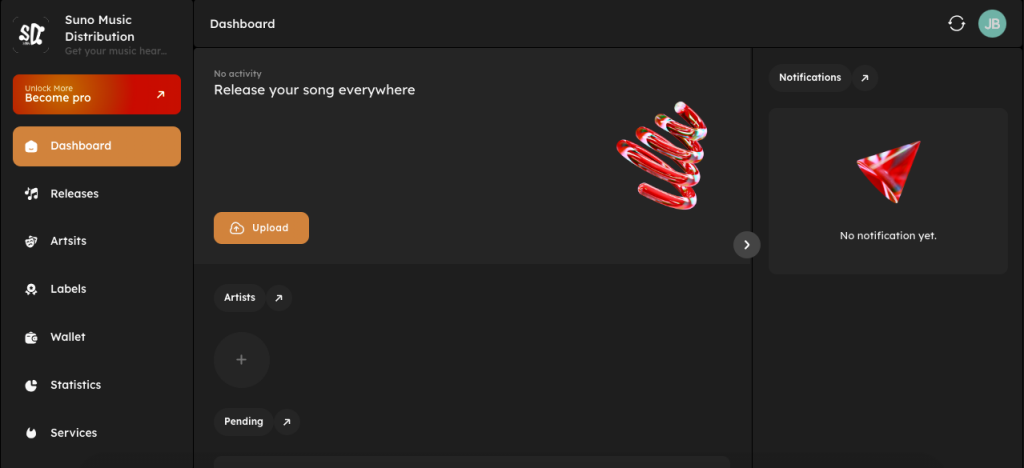
Why it matters: This is the starting point for all actions. New users should always begin here.
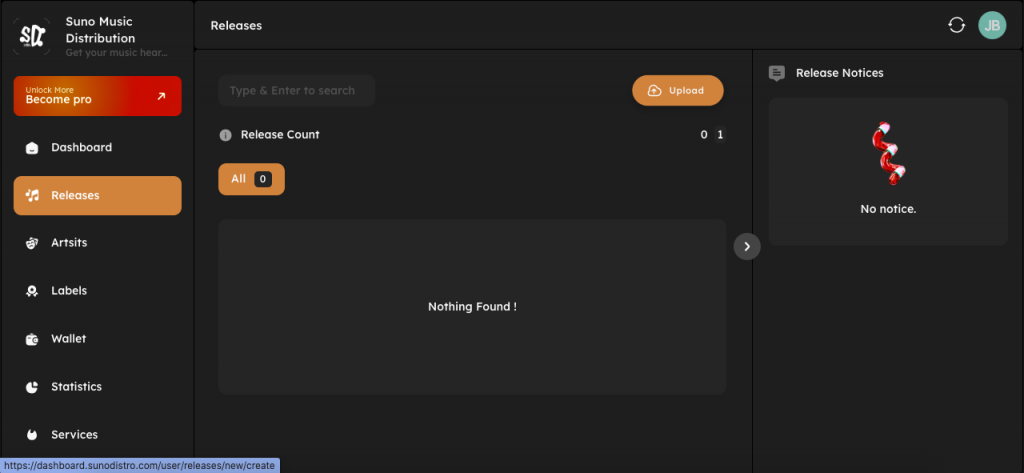
2. Releases Section
What it shows:
All your uploaded singles, EPs, and albums
Release status (Draft, Pending, Approved, Live, Rejected)
Edit or continue unfinished releases
What users do here:
Upload new music
Edit metadata
Track approval status
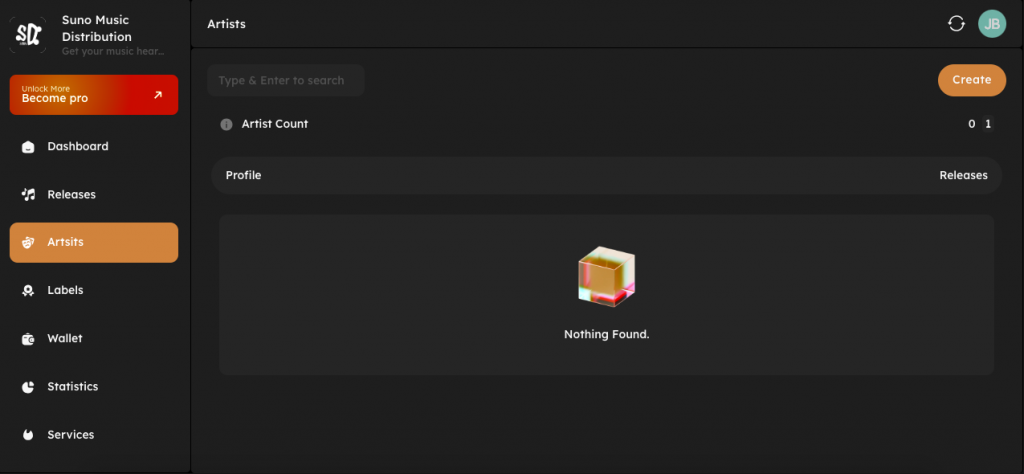
3. Artists Section
What it shows:
List of artists linked to your account
Artist profiles used for distribution
What users do here:
Add new artists
Manage artist names and roles
Keep artist details consistent
4. Labels Section
What it shows:
Label names associated with your account (if any)
What users do here:
Add or manage label information
Assign releases to a label
Useful for artists managing multiple projects.
5. Wallet / Earnings
What it shows:
Your earnings from streaming platforms
Available balance
Payment status
What users do here:
Track royalties
View payment history
Request payouts (if available)
This section helps artists understand performance and income.
6. Statistics / Analytics
What it shows:
Streams and performance data
Platform-wise insights (when available)
Why it matters: Helps artists understand which music is performing better and where listeners are coming from.
7. Services Section
What it shows:
Additional tools or services offered by SunoDistro
Promotional or support-related features
This section may grow as new services are added.
8. Support / Help Center
What it shows:
Help guides and FAQs
Contact or ticket support
Why it matters: Artists can quickly find answers without waiting for support replies.
9. Settings
What it shows:
Account settings
Profile details
Security options
Users can manage their account information here.
Best Practices for Using the Dashboard
Always check dashboard notifications
Complete artist profiles before uploading music
Review release status regularly
Keep metadata consistent
Use Help Center guides when unsure
Conclusion
The SunoDistro dashboard is designed to be simple and beginner-friendly. Each section has a clear purpose, helping artists manage music distribution, track earnings, and access support easily. Understanding the dashboard ensures smoother releases and better control over your music career.