Getting started with SunoDistro (Suno Music Distribution) is quick and simple. Follow the steps below to create your account and start distributing your music worldwide.
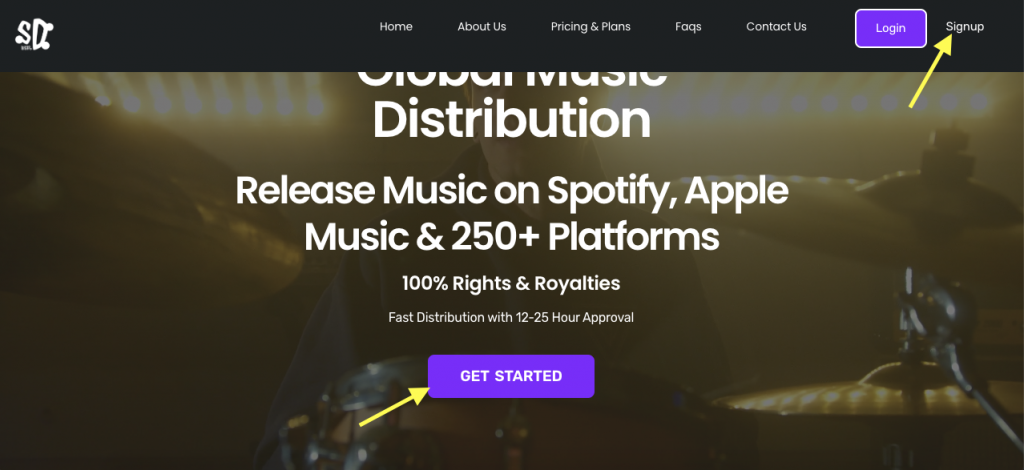
On the homepage, click the Sign Up or Get Started button (usually available at the top-right corner).
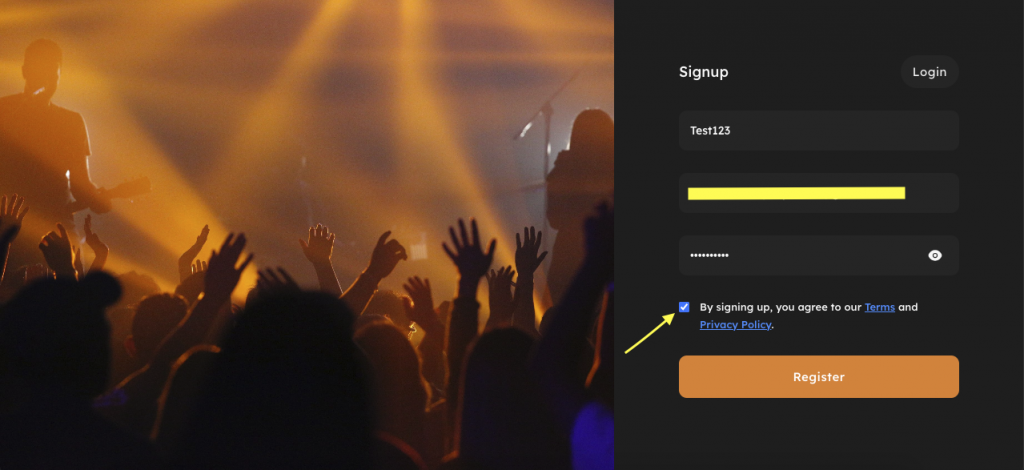
Step 3: Create Your Account
Fill in the required details:
Username
Email Address
Password
Step 4: Verify Your Email
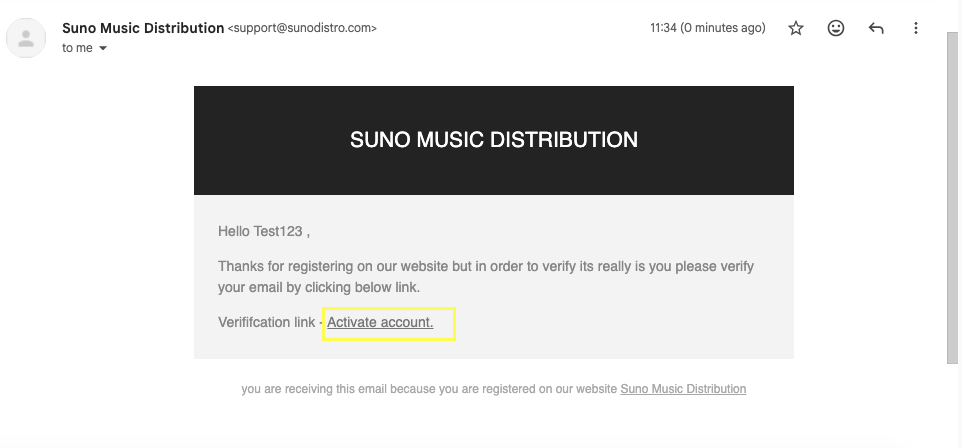
After signing up, SunoDistro will send a verification email to your registered email address.
Open the email and click on the Activate Account link to activate your account.
After Email Verification: Log In to Your Account
Once your email is verified, you need to log in to access your dashboard.
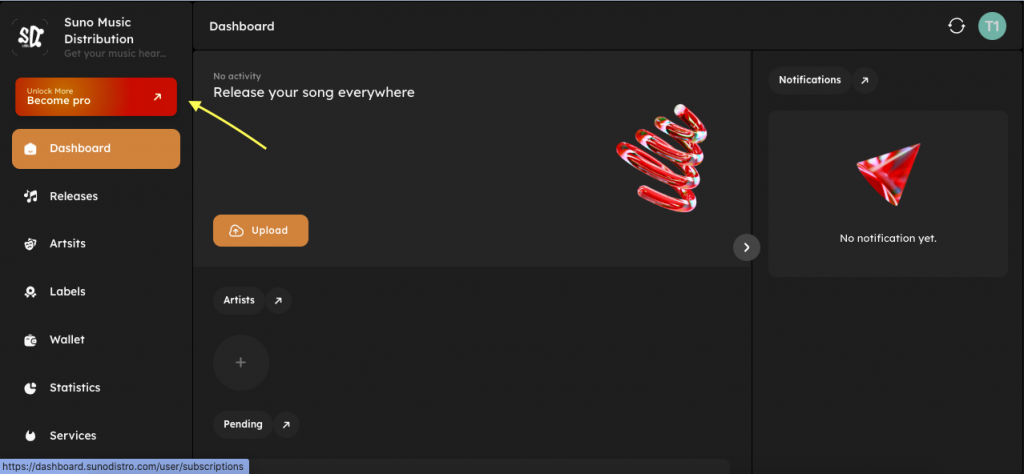
Step 5: Access Your SunoDistro Dashboard
After successful login, you will be redirected to your dashboard where you can:
Complete your artist profile
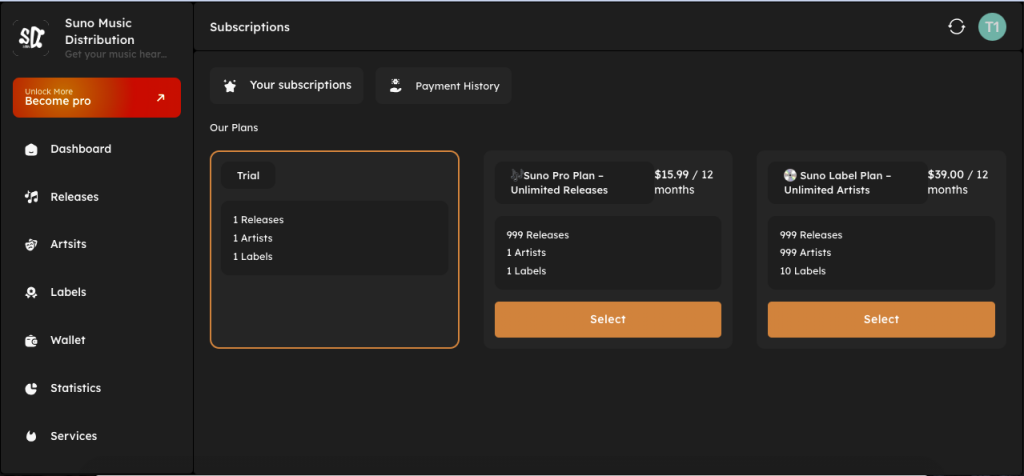
Choose a distribution plan
Upload your music
Step 6: Choose a Plan That Fits Your Needs
After logging in, select a SunoDistro plan based on your music release goals and requirements.
Each plan is designed to support independent artists at different stages, whether you are releasing your first song or managing regular releases.
When choosing a plan, consider:
Number of releases you plan to upload
Artist or label requirements
Long-term distribution and growth goals
All SunoDistro plans include:
Worldwide music distribution
100% royalties (you keep all your earnings)
Transparent pricing with no hidden fees
Access to your artist dashboard and analytics
Once you select a plan and complete the payment (if applicable), your account will be fully activated and ready for music uploads.
You can upgrade or change your plan anytime from your dashboard.
Start Your Music Journey with SunoDistro
If you have followed the steps above, you are now ready to begin your music distribution journey with SunoDistro (Suno Music Distribution).